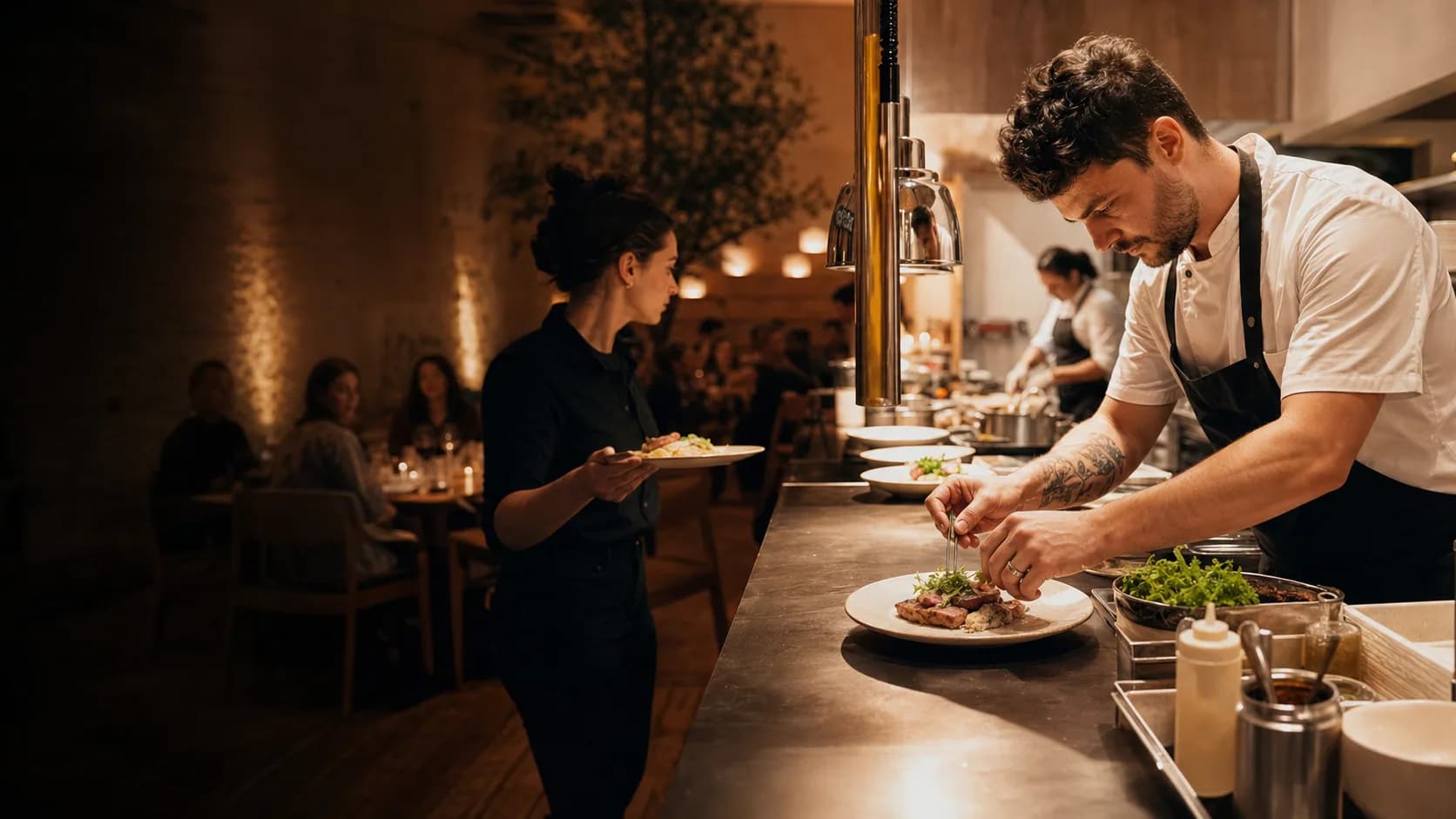
A chef plates a dish at the pass while a server waits to take it to the dining room

Run the whole restaurant from one system.

Obiqu connects your till, online orders, kitchen, delivery, stock and guests, so your team works from the same order and you see the whole service.

Obiqu is a restaurant software company from Nuremberg, Germany.

Most restaurants run on separate tools for the till, online orders, the kitchen and stock, and staff carry information between them by hand. We replace those tools with one system, so an order only has to be entered once.

For independent restaurants

We build for owner-run restaurants and growing groups that want their own guest relationships and a clear view of the business.

Start with what you need

Begin with the till, your menu and a website. Add online ordering, kitchen screens, stock and loyalty when you are ready for them.

Set up with you

We look at how you run service, show you a demo that fits, and go through your menu, team and website before you go live.

Follow one order through your restaurant.

This is how a table of two moves through Obiqu on a normal evening, from the first scan to the end-of-night report.

  1. 19:42

    The table orders from a phone.

    Guests scan the code on the table and order from your menu in their language. Nobody has to type the order in again.

  2. 19:43

    The kitchen sees it right away.

    The ticket goes to the right station with a timer, so the team can see what to cook next and what is running late.

  3. 20:01

    The floor team knows it is ready.

    Table status stays visible on the floor plan, next to bookings and the waitlist.

  4. 20:47

    Payment closes the same order.

    Card, wallet and cash are handled on the till, and refunds and payment reports use the same record.

  5. 20:47

    Stock comes off as dishes sell.

    Recipes link each dish to its ingredients, so you see what was used and get an alert before something runs out.

  6. 23:15

    You close the night with real numbers.

    Sales, channels and food cost come from the orders you actually served, without exporting anything to a spreadsheet.

Example order with illustrative figures. Kitchen display, stock and reports depend on your plan.

What Obiqu does, area by area.

Every module shares the same restaurant, menu, order and guest data. Which ones you get depends on your plan.
On the floor

Point of sale
Counter, dine-in and takeaway orders.
Payments
Card, wallet, cash and refunds.
Offline mode
Keep taking orders when the connection drops, then sync.
Tables and reservations
Floor plans, bookings and the waitlist.
Self-service kiosk
Guests order and pay on their own, with add-ons.

Online

Restaurant website
A hosted site with themes, SEO settings and your own content.
Online and QR ordering
Pickup, delivery and table orders with no commission.
Several languages
Website, menus and ordering in your guests’ languages.

Kitchen and delivery

Kitchen display
Tickets, stations, timers and routing.
Delivery
Zones, dispatch, drivers and live order status.
Menu management
Categories, modifiers, prices and availability in one place.

Back office

Stock and purchasing
Suppliers, purchase orders, waste and low-stock alerts.
Recipes and food cost
Ingredient mapping, recipe costs and margins.
Staff
Roles, schedules and attendance.
Reports
Sales, product mix, channels and labour.

Guests and growth

Guest profiles and loyalty
Visit history, rewards and segments.
Campaigns
Targeted offers and automated retention campaigns.
Several locations
Central menus, controls and reporting for every branch.
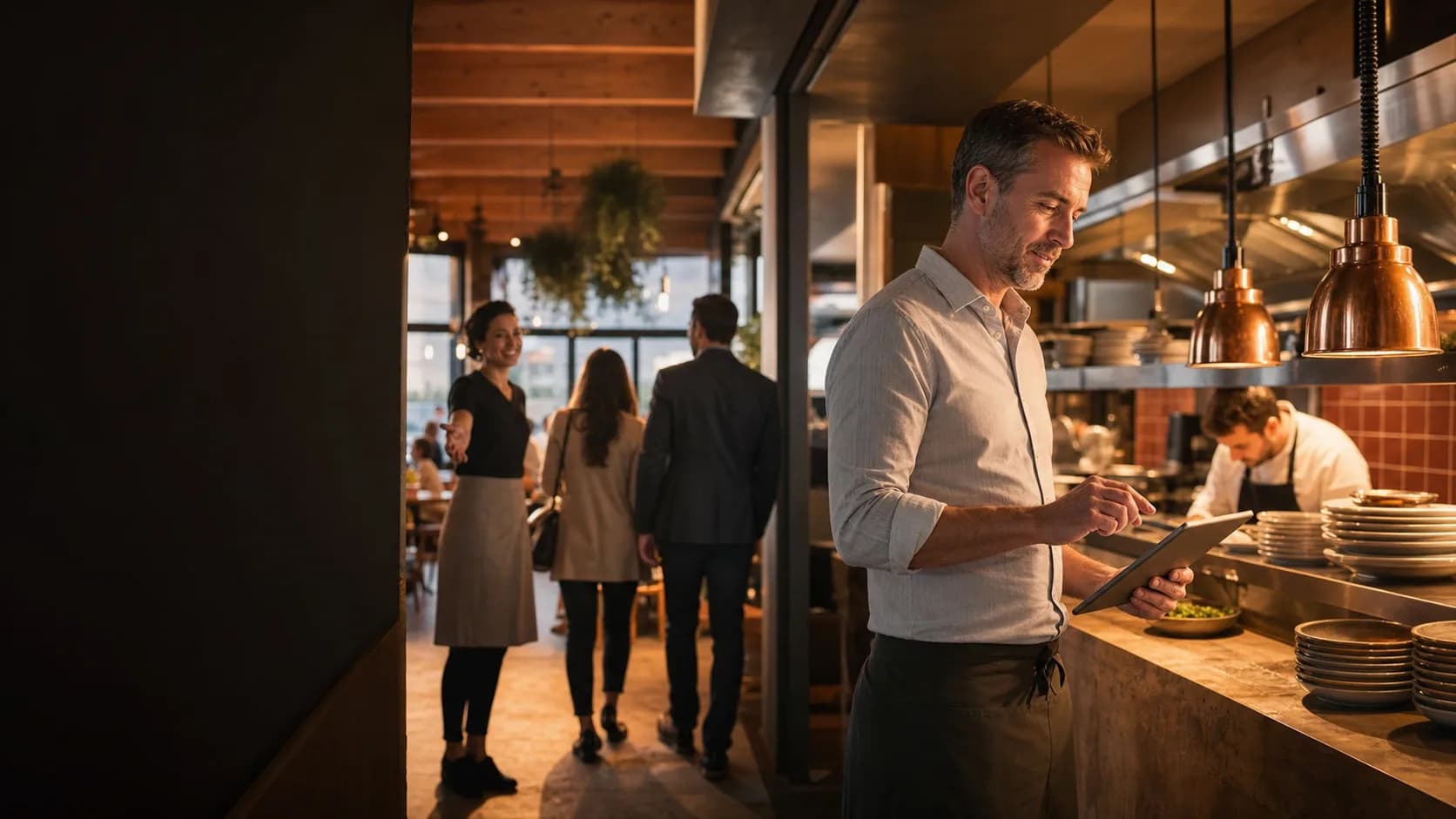
A restaurant owner checks a tablet at the pass while a host welcomes guests

Your restaurant keeps its identity.

Guests order on your website, under your name, with your photos and your wording. You keep the relationship and the order data.

  • Themes and your own content
  • SEO settings
  • Menus and ordering in several languages

Choose the operating depth you need.

Every plan starts with the restaurant core. Higher plans add more digital sales, operations, insight and location control.

Starter

Includes

  • Point of Sale (POS)
  • Integrated Payments
  • Menu & Product Management
  • Offline POS Mode
  • Website Builder
  • Multilingual Storefront
Discuss this plan

Growth

Recommended

Everything in Starter, plus

  • Online & QR Ordering
  • Self-Service Kiosk
  • Kitchen Display System
  • Delivery Management
  • Tables & Reservations
  • CRM & Loyalty
  • Marketing Automation
  • Customer Messaging
Discuss this plan

Pro

Everything in Growth, plus

  • Staff Management
  • Hardware Management
  • Inventory & Purchasing
  • Recipe & Food Costing
  • Advanced Analytics
  • Marketplace Integrations
  • Accounting Integrations
Discuss this plan

Enterprise

Everything in Pro, plus

  • Multi-Location & Franchise
  • White Label & Custom Branding
Discuss this plan

See your operation before you commit.

Request demo
  1. 1

    Tell us how you operate

    Share your service model, locations, sales channels and the workflows you want to improve.

  2. 2

    See your tailored workspace

    We prepare a focused demo with the modules and plan that match your restaurant.

  3. 3

    Configure and launch

    Set up your menu, team, website and operating rules before going live.